

Take greater control over who can access your content — Proposal.biz now lets you add password protection to any document before you share it.
Protect a document from sharing settings
Password Protection lives right inside the sharing flow. Open a document, select Share, and you'll find the option within the sharing settings.
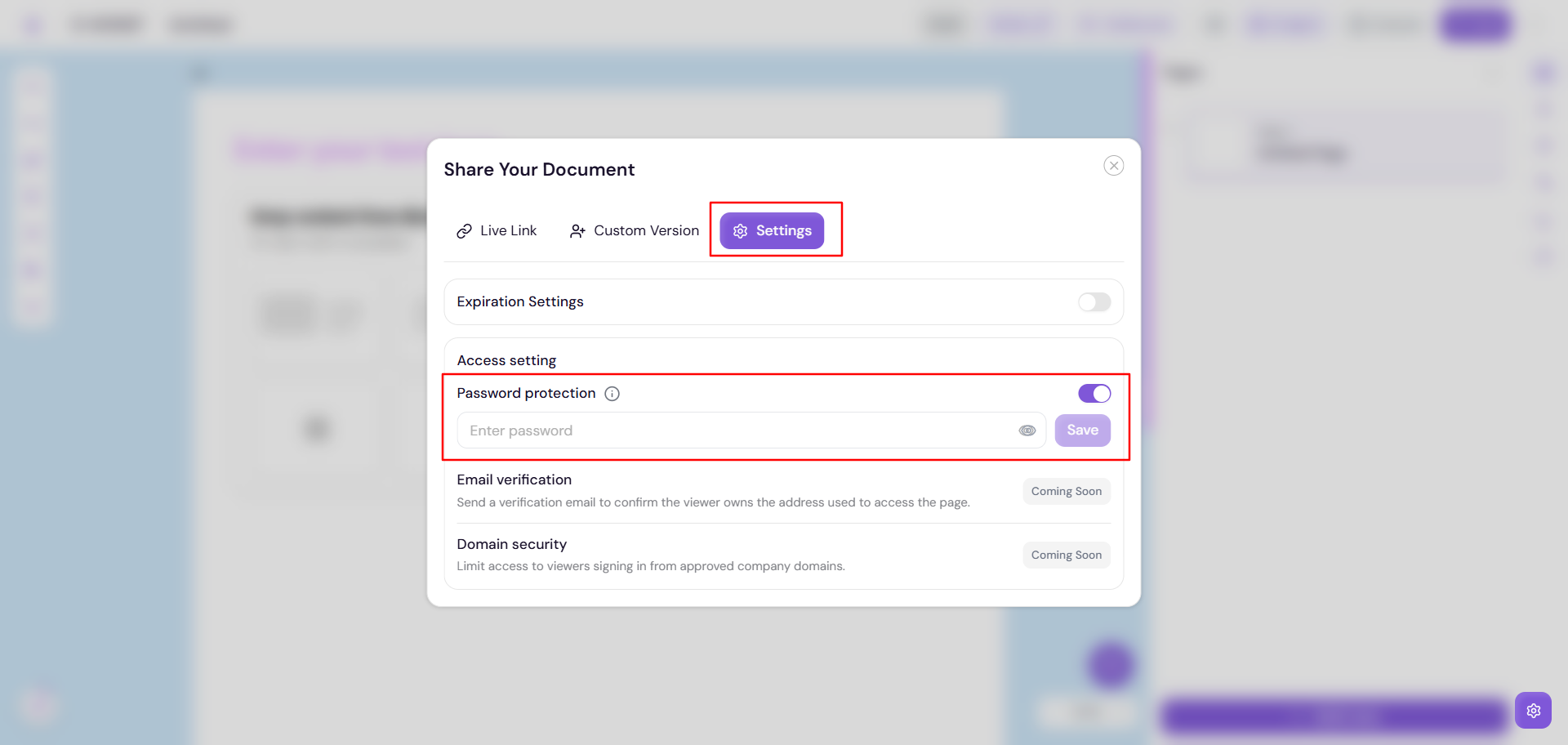
You can turn Password Protection on independently for Send to recipients or Share with anyone .
Set and manage your password
Once Password Protection is enabled, set a password that visitors must enter before they can open the document.
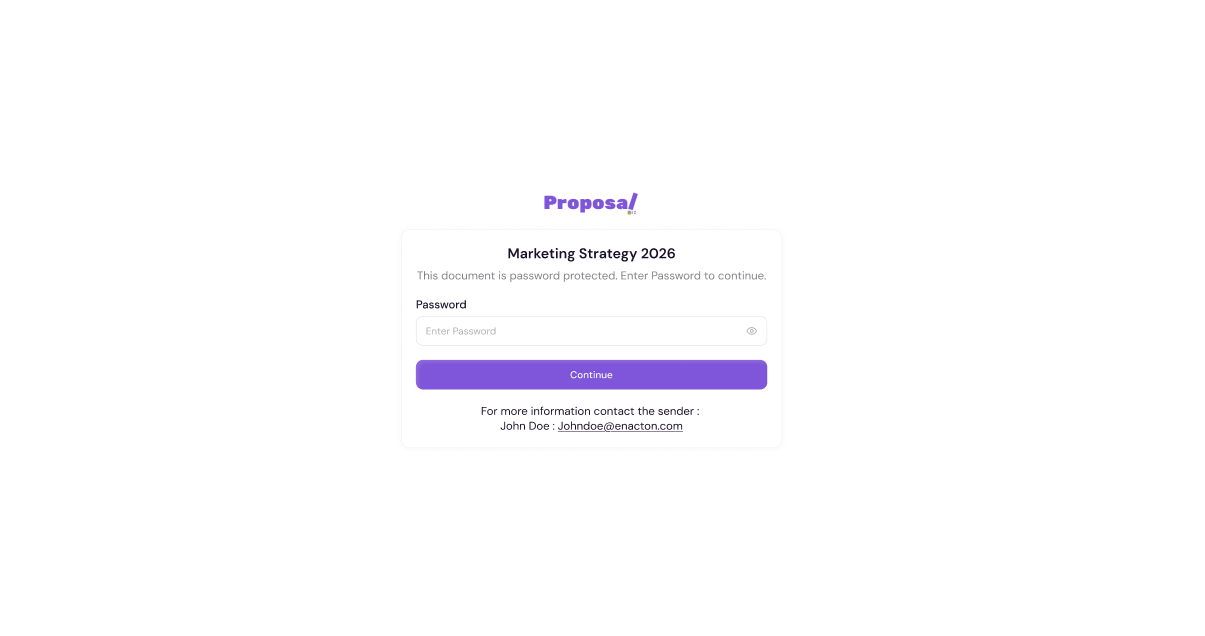
Need to make a change later? Head back to the same sharing settings anytime to update or remove the password — even after the document has already been shared.
Password sharing, made easier
Emailed recipients: When you send a password-protected document by email, the password is included automatically alongside the document link — no extra step needed.
Public links (Copy link): Since these links can be shared anywhere via email, the password will be included automatically.
With Password Protection, you can share documents freely while keeping full control over who gets in.