

Overview
Once your account is set up, logging in to Proposal.biz takes just a few seconds. This article covers the standard login flow and what to expect when you land in your workspace.
Logging In
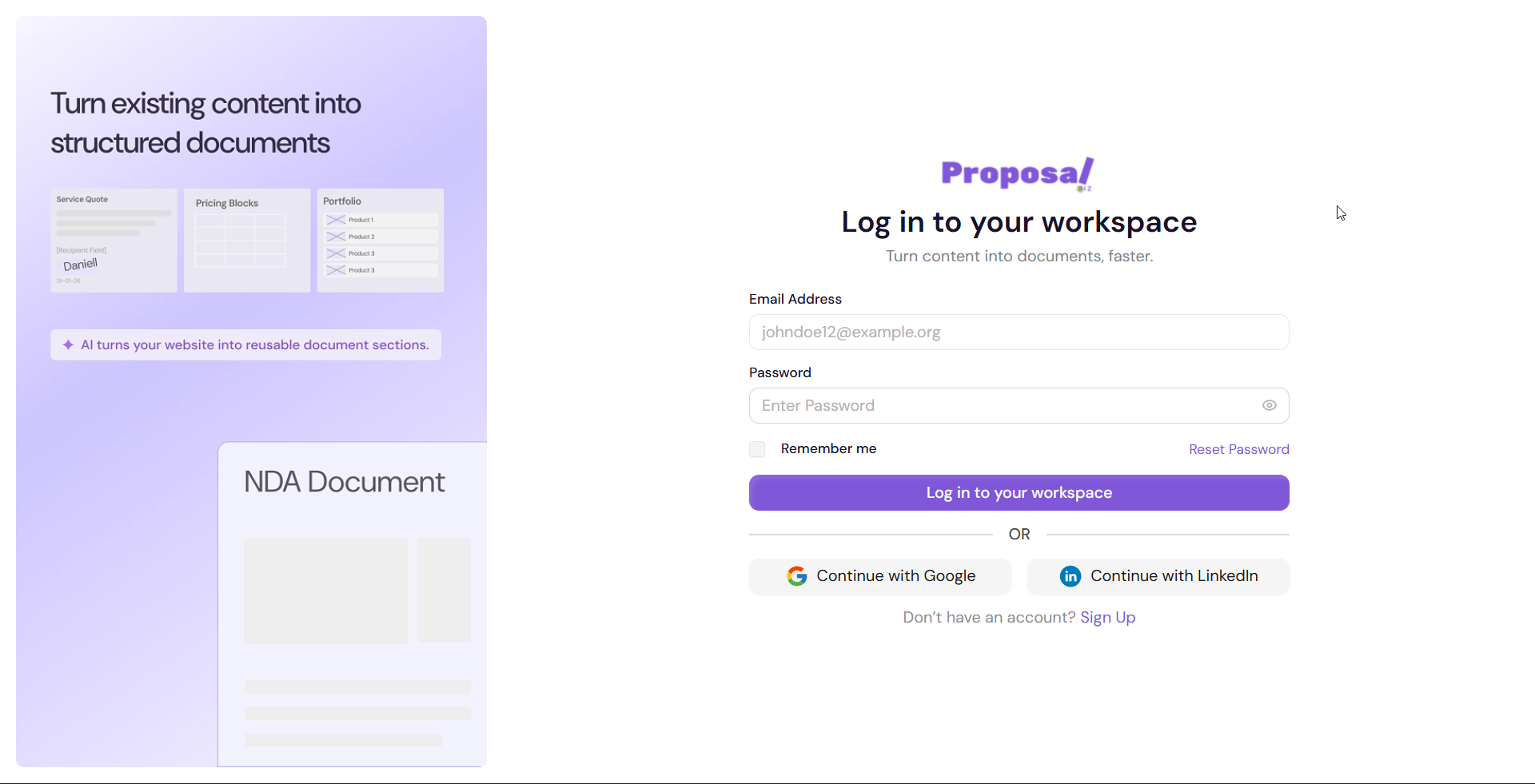
Go to Proposal.biz and click Log In
Enter your registered email address and password
-
Click Log in to your workspace
What Happens Next
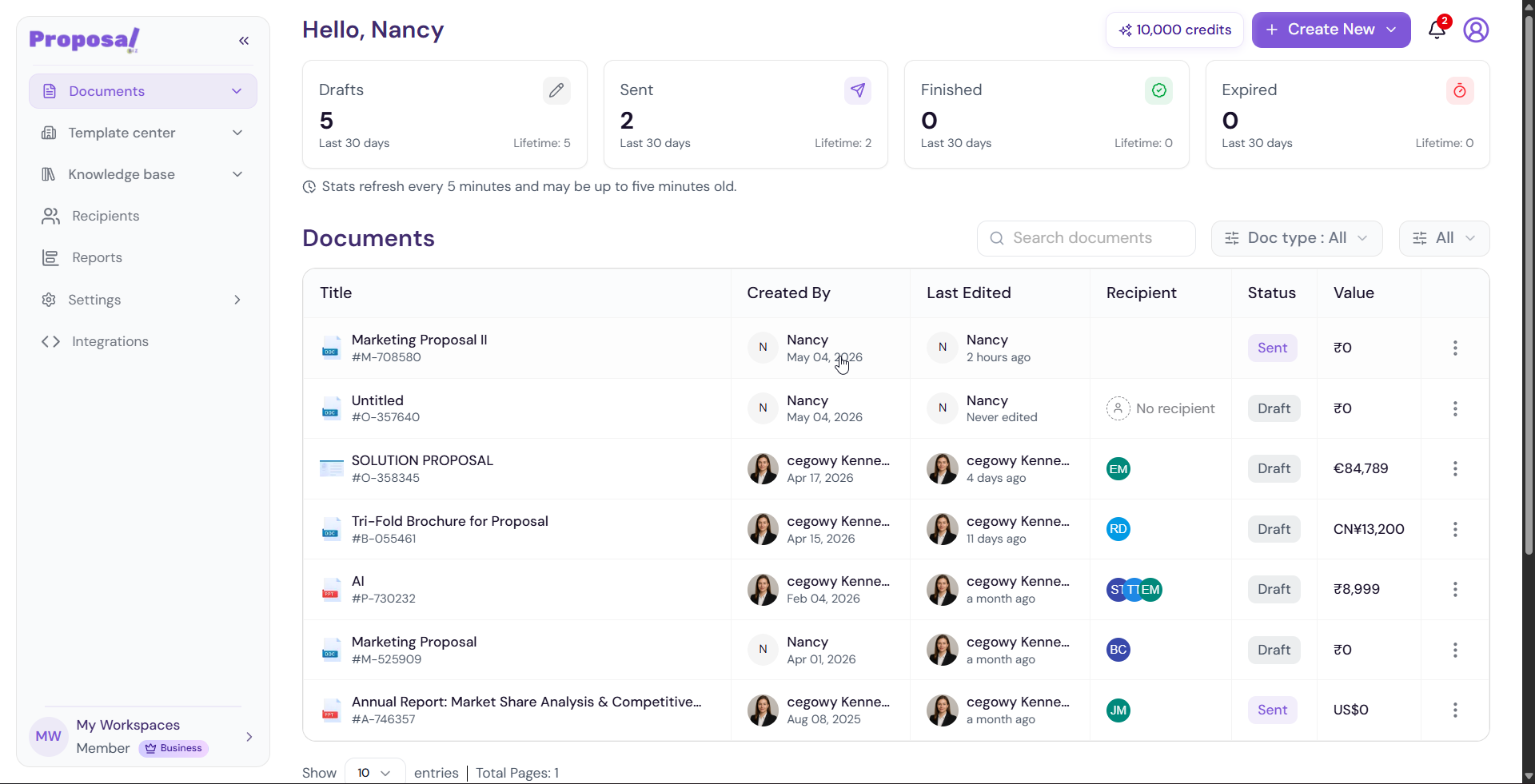
Once logged in, you will be taken directly to your workspace dashboard where you can access your documents, templates, reports, settings, and more.
💡 Pro Tip If you use a shared or public device, always log out after your session to keep your workspace secure.
Having Trouble Logging In?
Forgotten your password? See Resetting your password
Want extra security on your account? See Setting up two-factor authentication (2FA)
Next Steps Now that you're in your workspace, learn how to keep your account secure by setting up two-factor authentication.