Overview
Export lets you download a copy of your document in the format you need. Choose PDF to share or print, or PowerPoint when you want to keep editing your document as slides.
You export from the Export tab in the Share Your Document window.
Export Your Document
-
Open your document in the builder.
-
Click Send in the top bar.
-
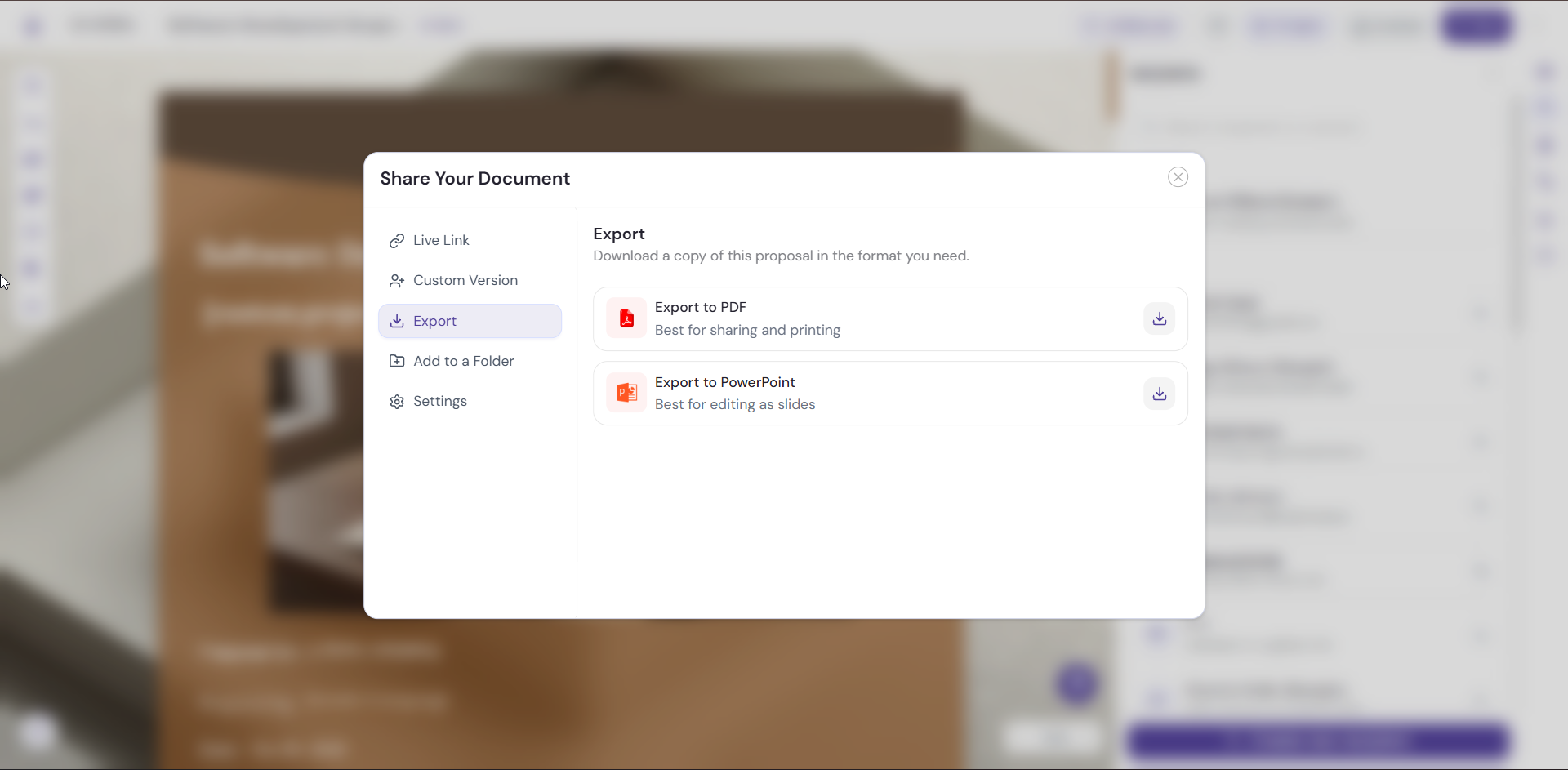
Click the Export tab.
-
Choose the format you need:
-
Export to PDF: best for sharing and printing
-
Export to PowerPoint: best for editing as slides
-
-
Click the download icon next to your chosen format.
Choose the Right Format
PDF. Use it when you want a copy to share, attach, or print.
PowerPoint. Use it when you want to keep working on your document as slides outside the builder.
Pro Tips
-
Use Present to review your document before you export, so you catch layout issues and typos first.
-
Export a PDF when you need a copy that’s ready to print.
-
Export to PowerPoint when someone on your team wants to edit your content as slides.
Next Steps
Learn about every sharing option in Sharing and Sending Your Document.