

Overview
Email Settings is where you configure the email address and sender details that Proposal.biz uses when sending documents, notifications, and follow-ups to your recipients. Setting this up correctly ensures your emails land in recipients' inboxes looking professional and on-brand.
Accessing Email Settings
Go to Settings in the left sidebar
Click Email Settings
Setting Your Sender Name
Enter the name you want recipients to see when they receive an email from you
Click Save to apply
Setting Your Sender Email Address
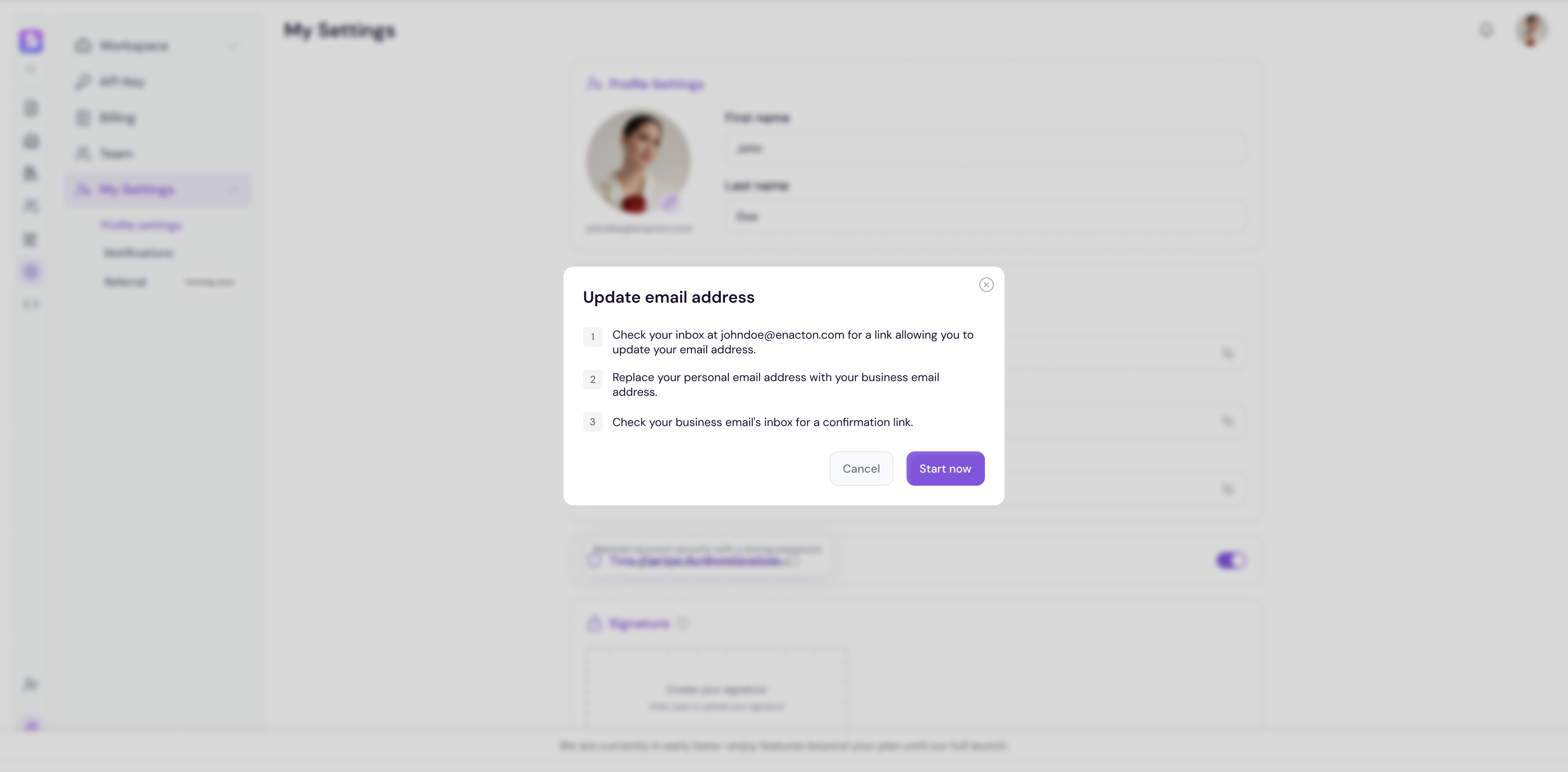
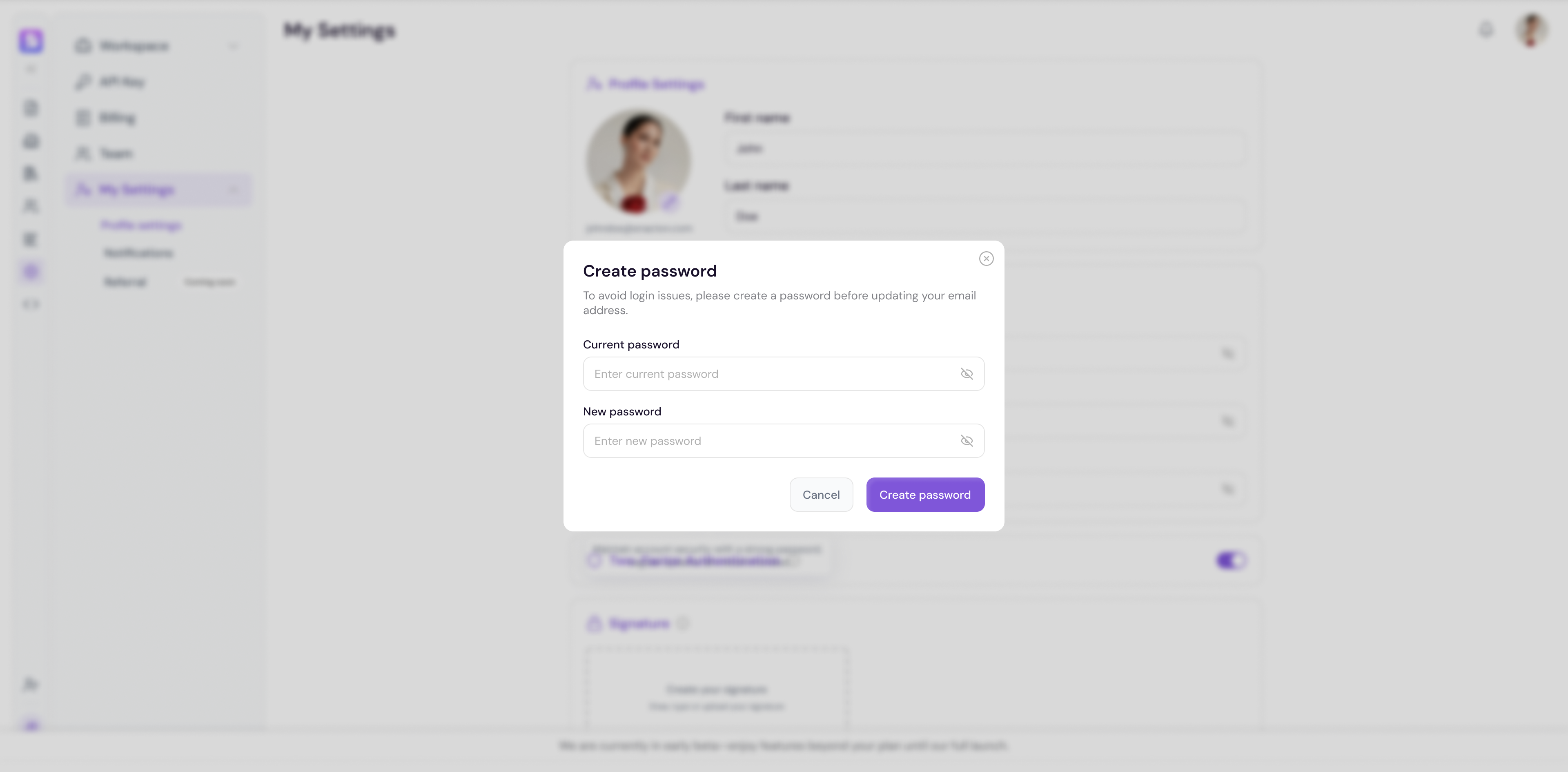
Enter the email address you want to use as your sender address
Click Save to apply
Note You may need to verify your sender email address before it can be used. Check your inbox for a verification email from Proposal.biz and follow the instructions to confirm.
💡 Pro Tip Setting up a custom sender domain significantly improves email deliverability and reduces the chance of your documents ending up in recipients' spam folders. It also makes your outgoing emails look far more professional.