

Overview
Data Sources is where you connect and manage the content that Proposal.biz uses to personalize and enrich your documents. You can add sources by crawling your website or importing a file and once added, Proposal.biz extracts and organizes the content so it is ready to use across your documents.
Adding a Data Source
Proposal.biz gives you two ways to add a data source:
Option 1 — Website Crawl
Go to Knowledge Base in the left sidebar
Click Data Sources
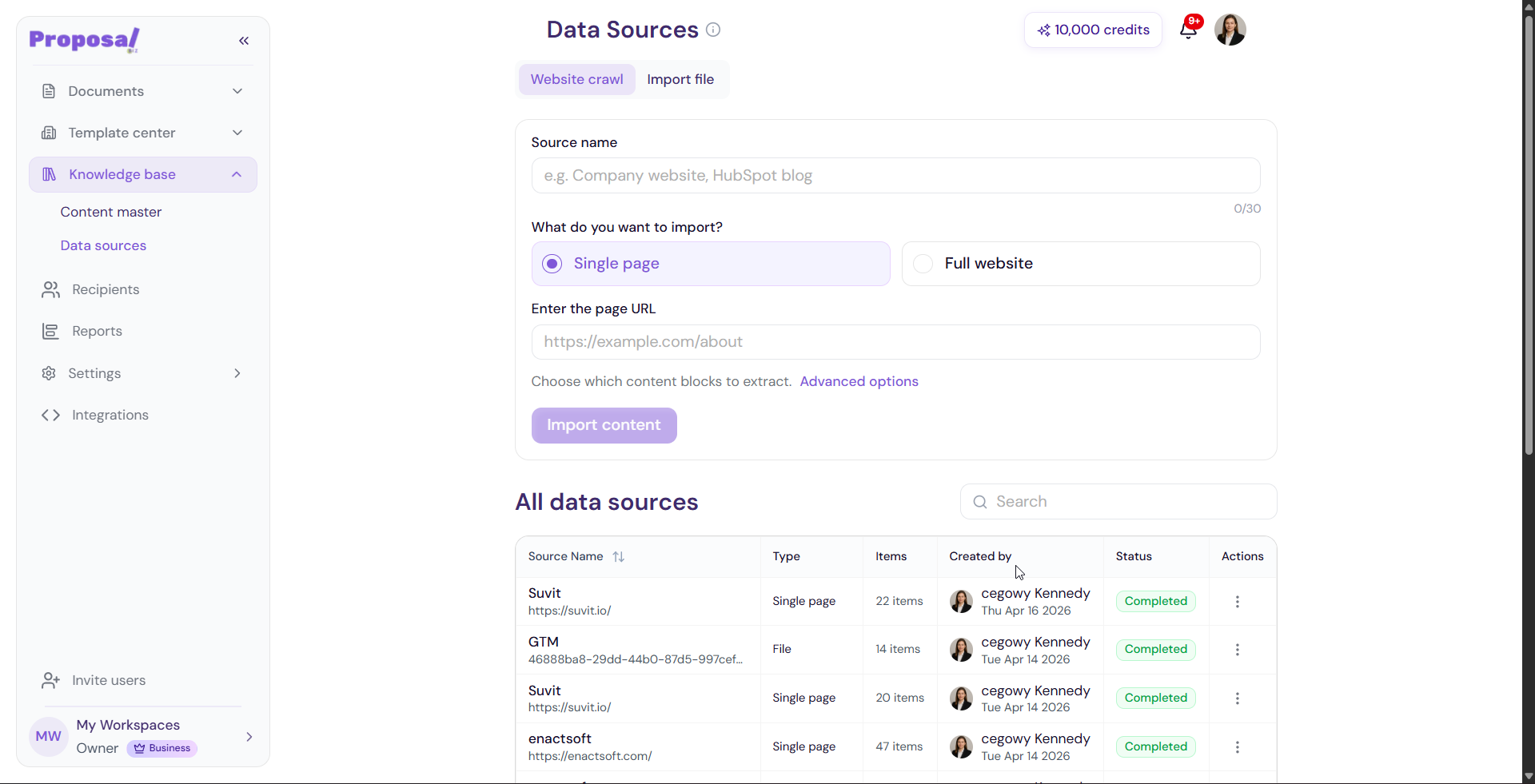
Select the Website Crawl tab
Enter a Source Name
Select what you want to import from your website
Enter your website URL
-
Click Crawl Website to begin
Option 2 — Import File
Go to Knowledge Base in the left sidebar
Click Data Sources
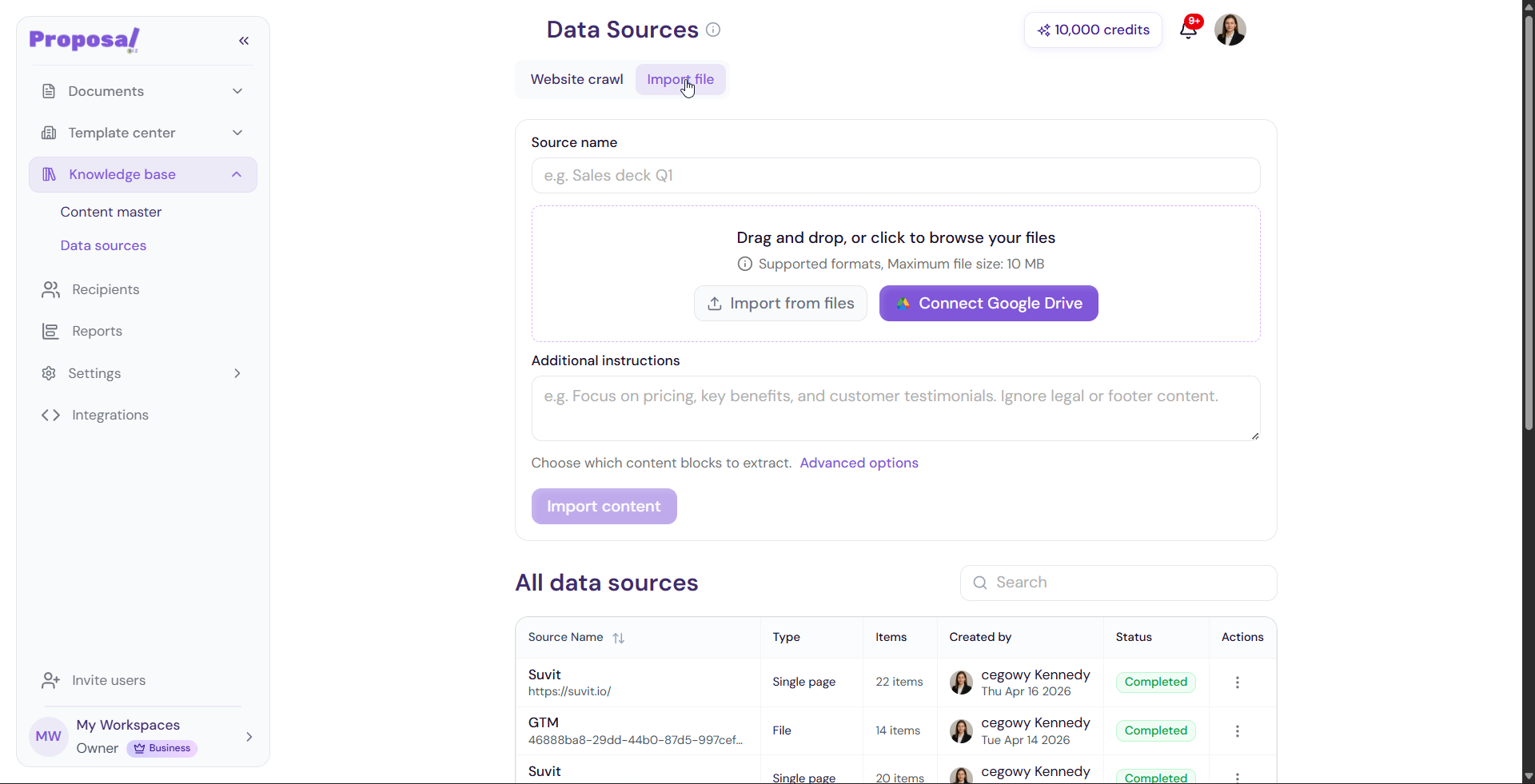
Select the Import File tab
Drag and drop your file into the upload area or click to browse your files
Add any Additional Instructions to guide how the content should be extracted
-
Click Submit to begin processing
Advanced Options
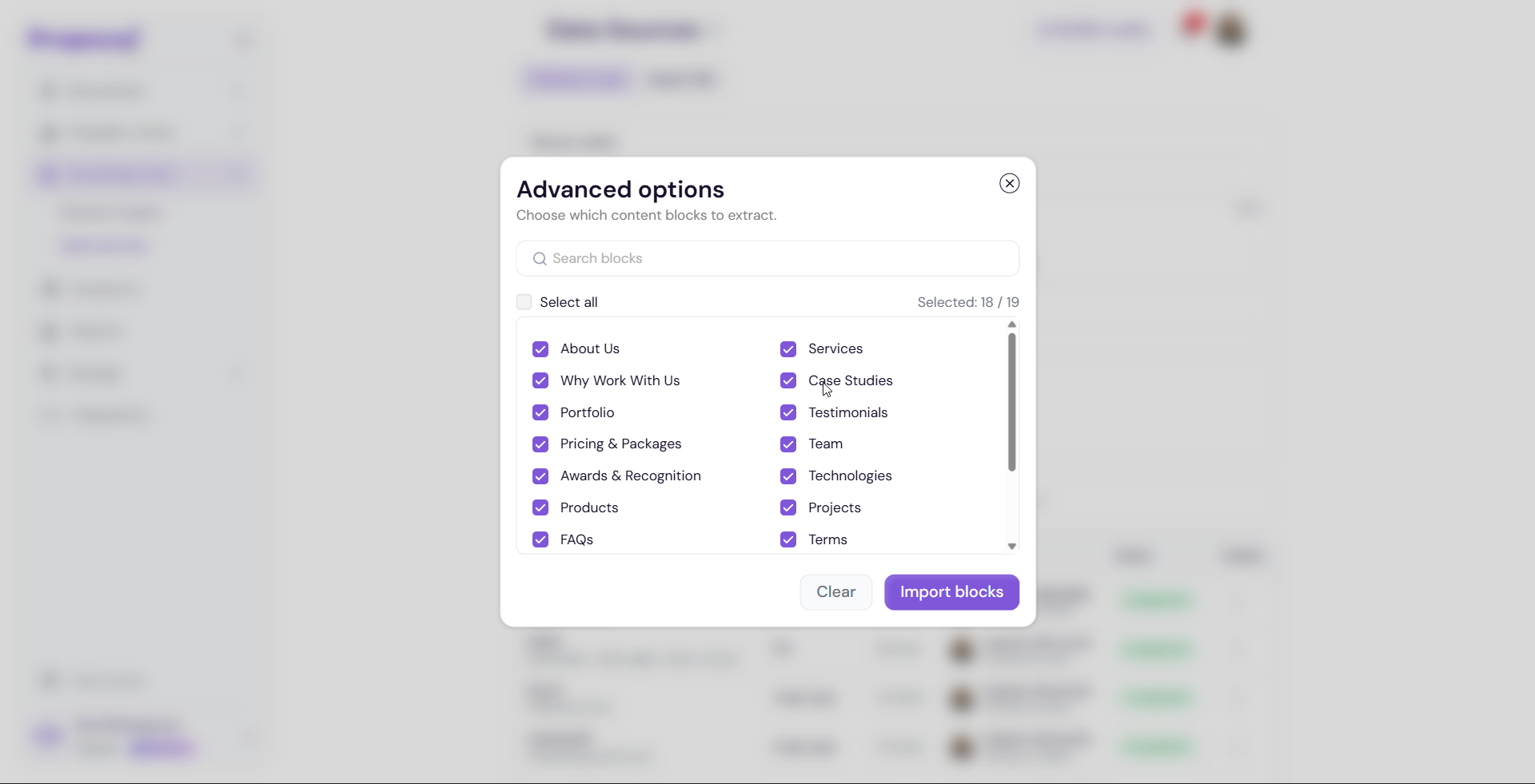
Before submitting either source type, you can click Advanced Options to configure additional extraction settings such as content depth, filtering preferences, and more.
Generating Content
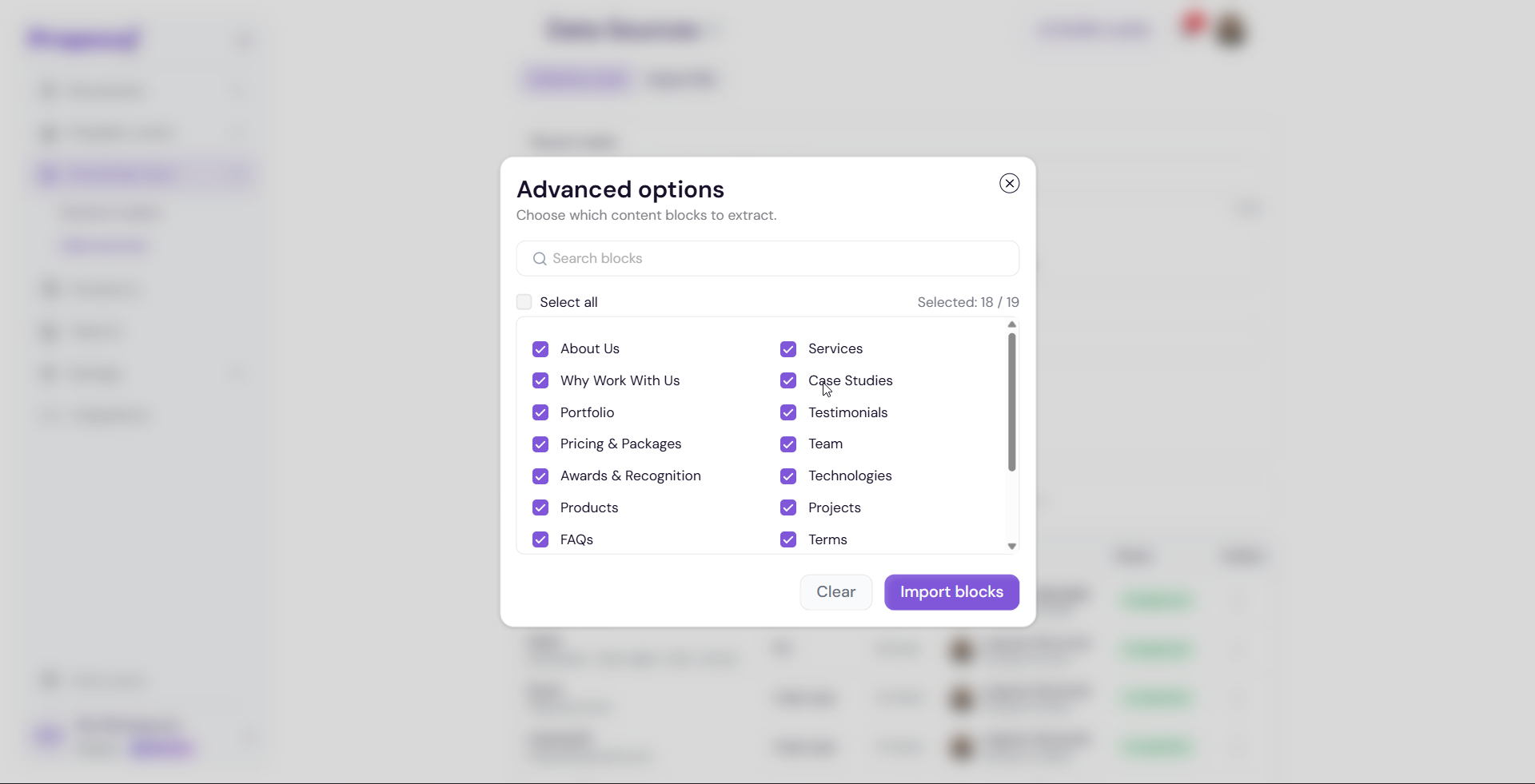
Once your source is submitted, Proposal.biz will begin extracting and generating content from it. A progress modal will appear while this is happening.
Viewing All Data Sources
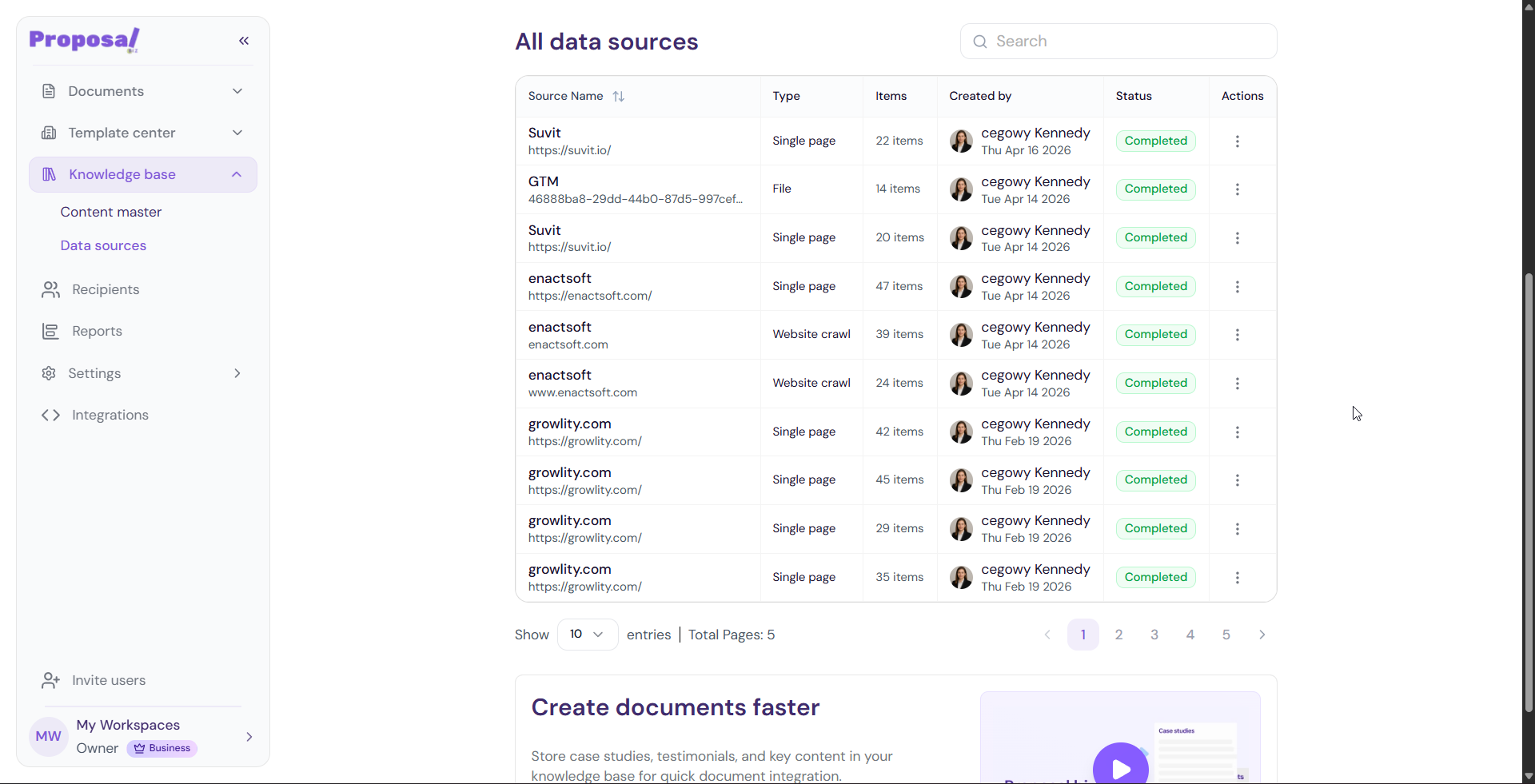
Once added, all your data sources appear in the All Data Sources table. For each source you can see:
Source Name
Type — Website crawl or imported file
Items — Number of content items extracted
Created By
-
Status — Whether the source is active or processing
Removing a Data Source
Click the actions menu next to the source
Select Remove Source
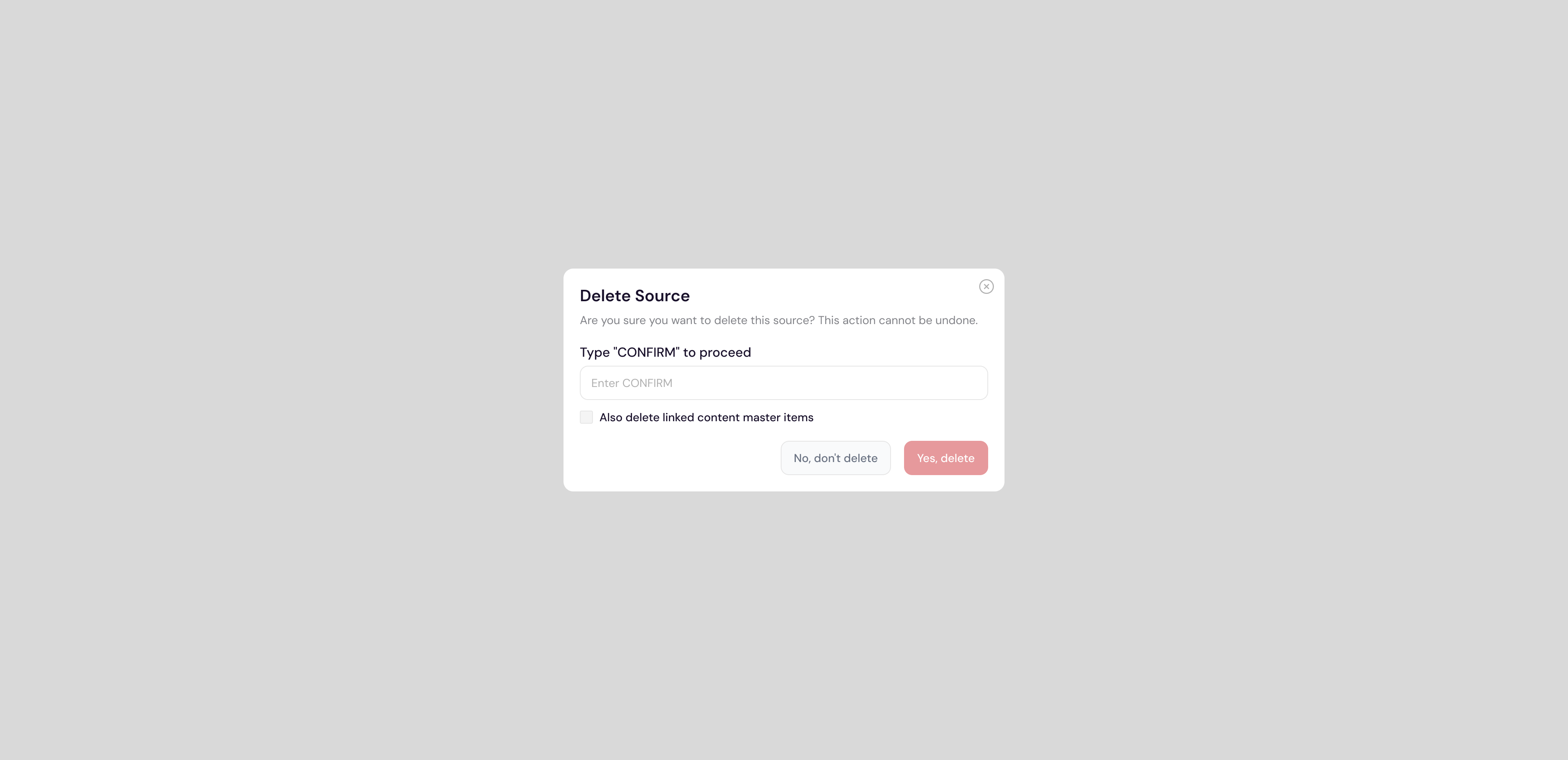
The Delete Source confirmation modal will appear
Type CONFIRM in the field provided
-
Click Delete to permanently remove the source
Hiding a Data Source
If you want to temporarily disable a source without deleting it:
Click the actions menu next to the source
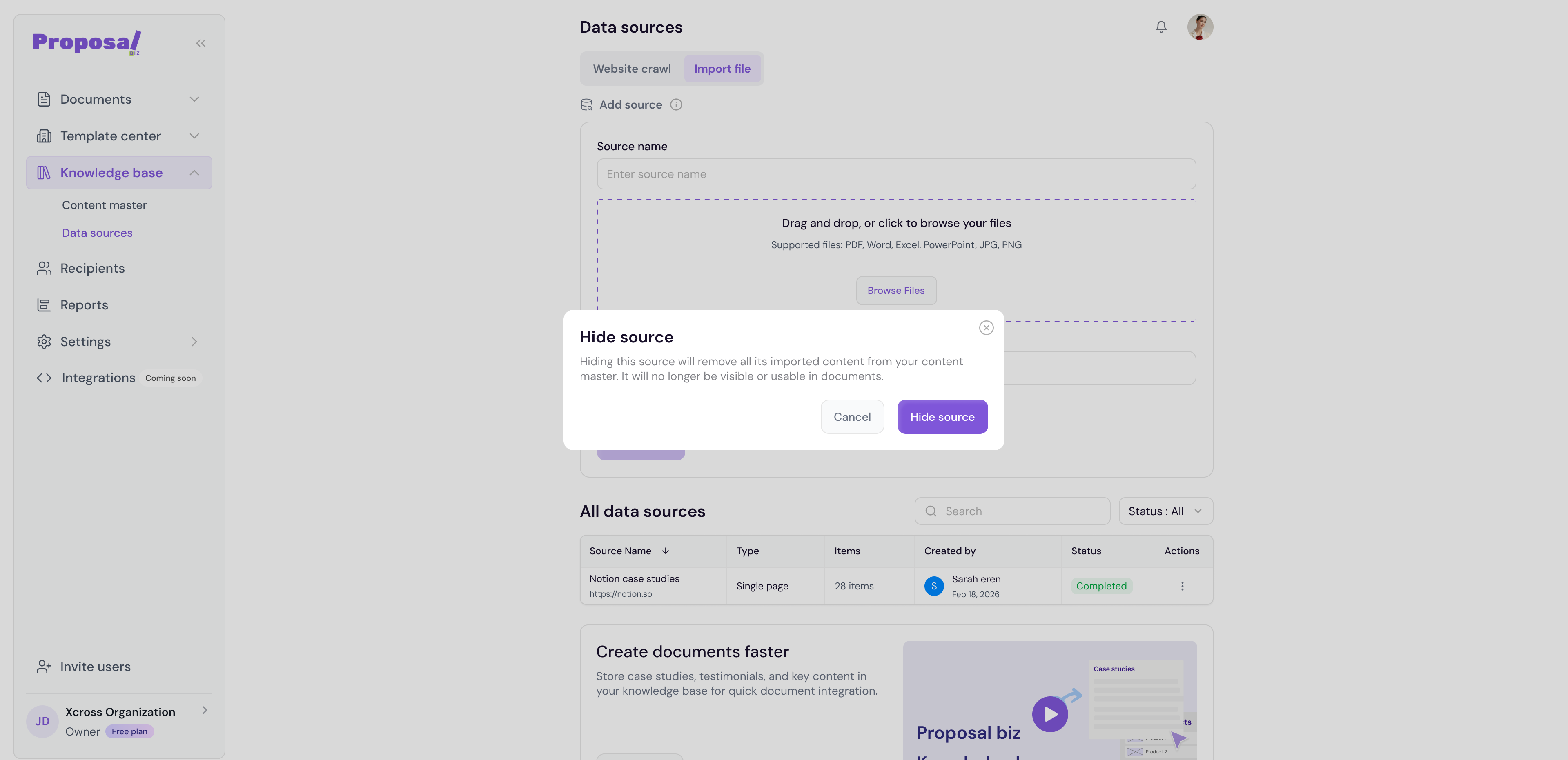
Select Hide Source
-
Confirm the action in the modal that appears
💡 Pro Tip Use the Website Crawl option to keep your data source in sync with your latest website content. If your website is regularly updated, adding more pages to an existing crawl ensures your documents always reference the most current information.
Next Steps Learn how to organize and manage your extracted content in Content Master.