

Overview
Getting started with Proposal.biz is quick and straightforward. This article walks you through creating your account and verifying your email so you can get into your workspace without any friction.
Step 1: Create Your Workspace
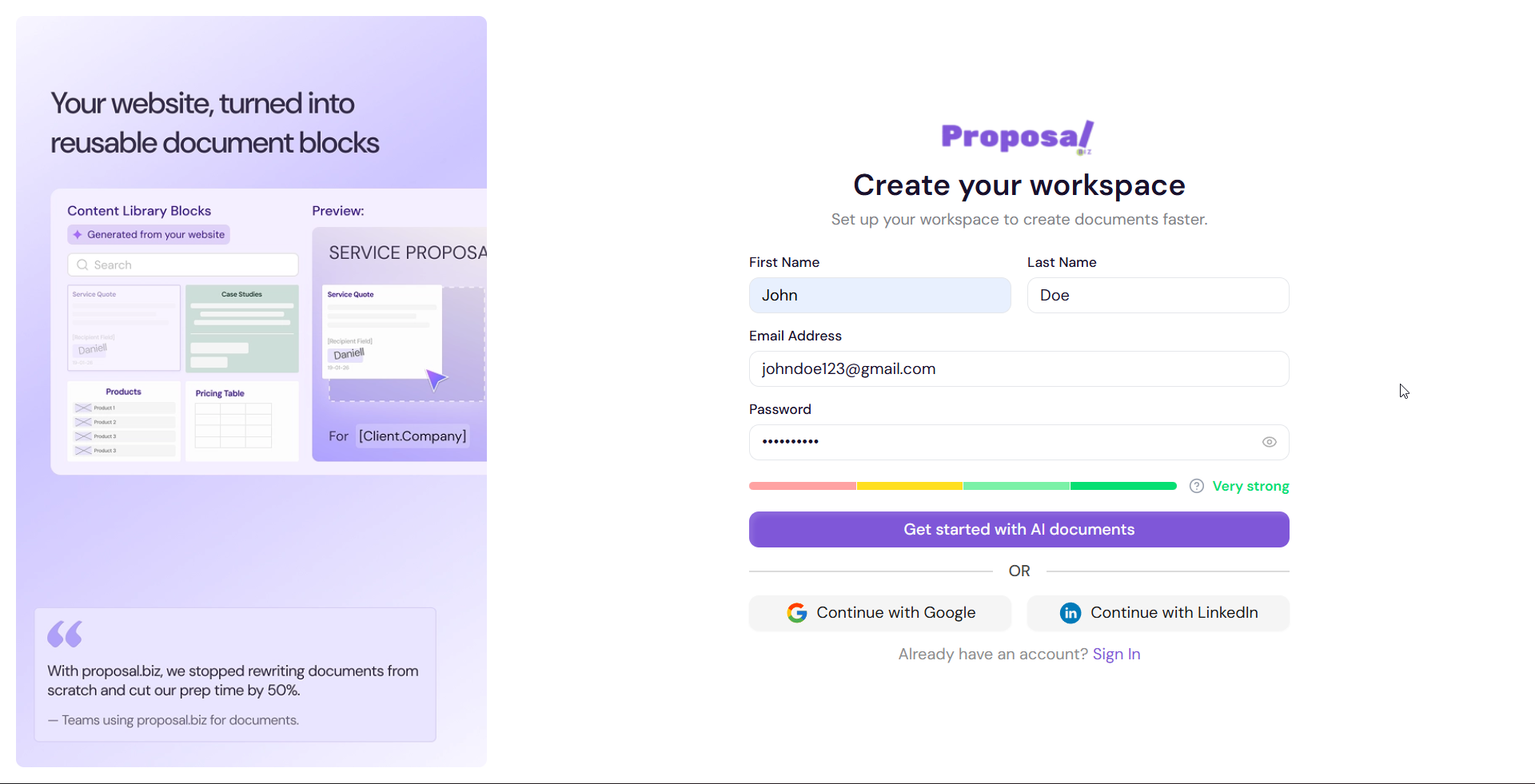
Go to Proposal.biz and click Sign Up
Enter your full name, work email address, and a password
Click Create your workspace
Step 2: Verify Your Email (OTP)
Once you sign up, Proposal.biz sends a one-time password (OTP) to your registered email address.
Open your email inbox and copy the OTP
Enter the code on the verification screen
Click Verify to confirm your email and proceed
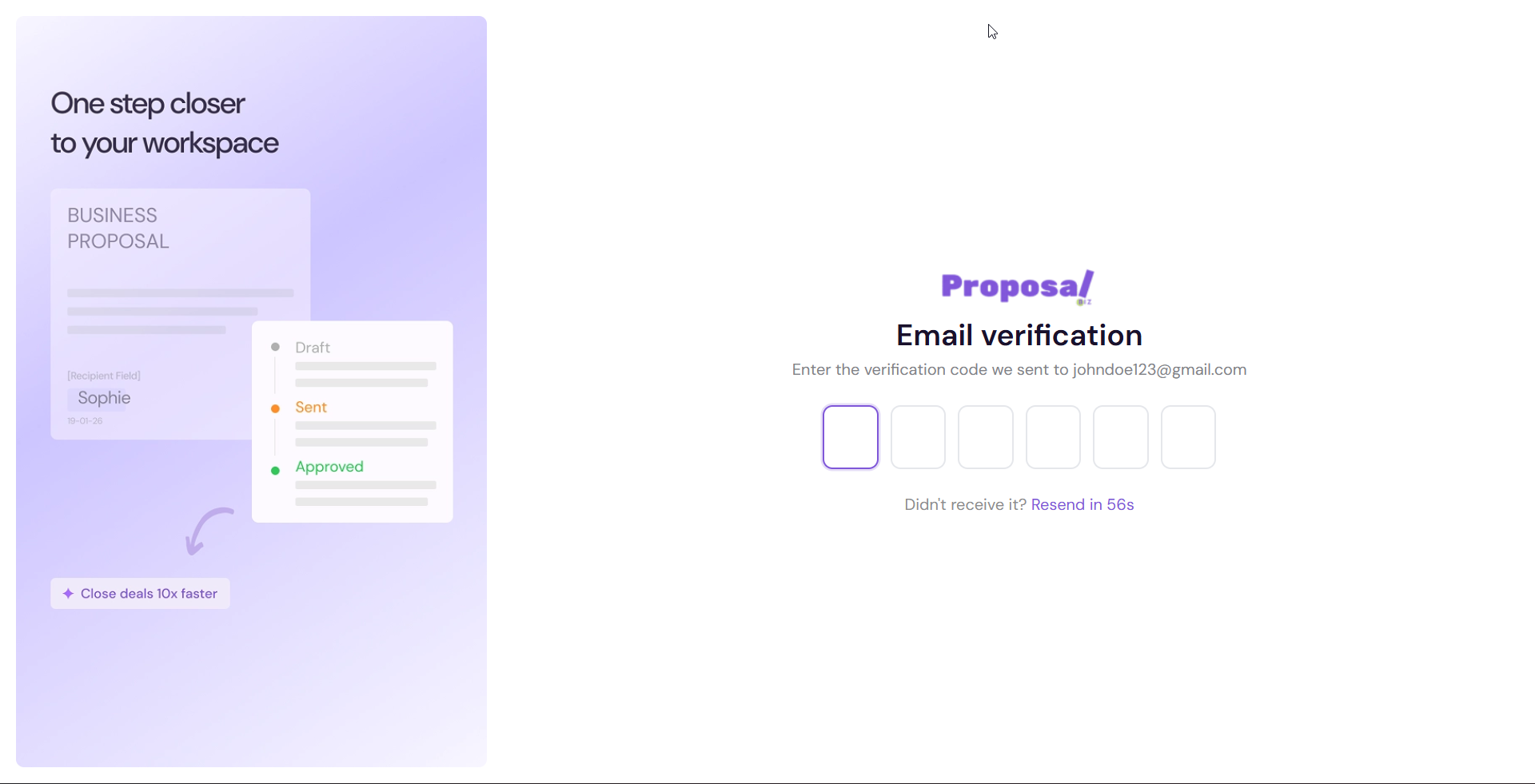
💡 Pro Tip If you don't receive the code within a few minutes, check your spam or junk folder. You can also click Resend OTP directly on the verification screen to get a fresh code.
Next Steps Once your email is verified, you'll be taken through a quick onboarding setup to configure your workspace preferences and billing.