

Overview
Proposal.biz gives you four ways to create a document each designed for a different starting point. Whether you have a rough idea, an existing file, or want AI to do the heavy lifting, there is an entry point that fits your workflow.
All four methods lead you into the same powerful builder where you can refine, customize, and finalize your document before sending.
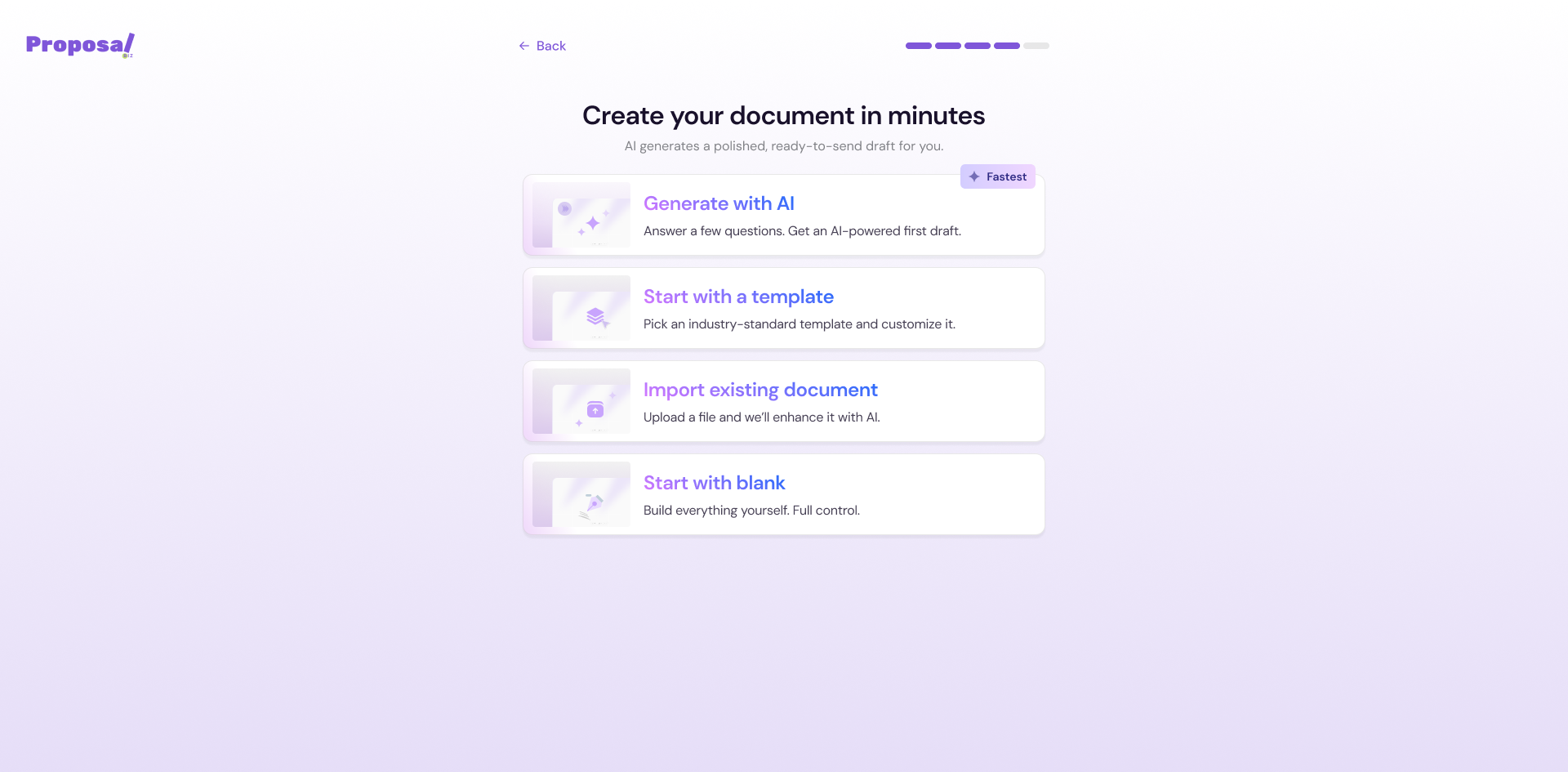
The 4 Ways to Create a Document
Generate with AI — Describe what you need and let Proposal.biz's AI build a ready-to-edit document for you. Best for when you want a strong first draft fast.
Use a Template — Browse a library of pre-built templates and pick one that fits your document type. Best for when you want a structured starting point with sections already in place.
Import a Document — Bring in an existing file and continue working on it inside Proposal.biz. Best for when you already have content you want to reuse or adapt.
-
Start with a Blank Document — Open a clean canvas and build your document from scratch. Best for when you want full creative control from the very beginning.
How to Get Started
From your dashboard, click the + Create New button in the top right corner
Select your preferred creation method from the options shown
Follow the steps for your chosen method, you will land in the builder ready to go
💡 Pro Tip Not sure which method to pick? Start with Generate with AI to get a solid first draft, then refine it inside the builder. It is the fastest way to go from idea to finished document.
Next Steps Pick the method that works best for you and follow the dedicated guide for each: